
Organizing Your Home Office for Maximum Focus (No Cable Chaos!)
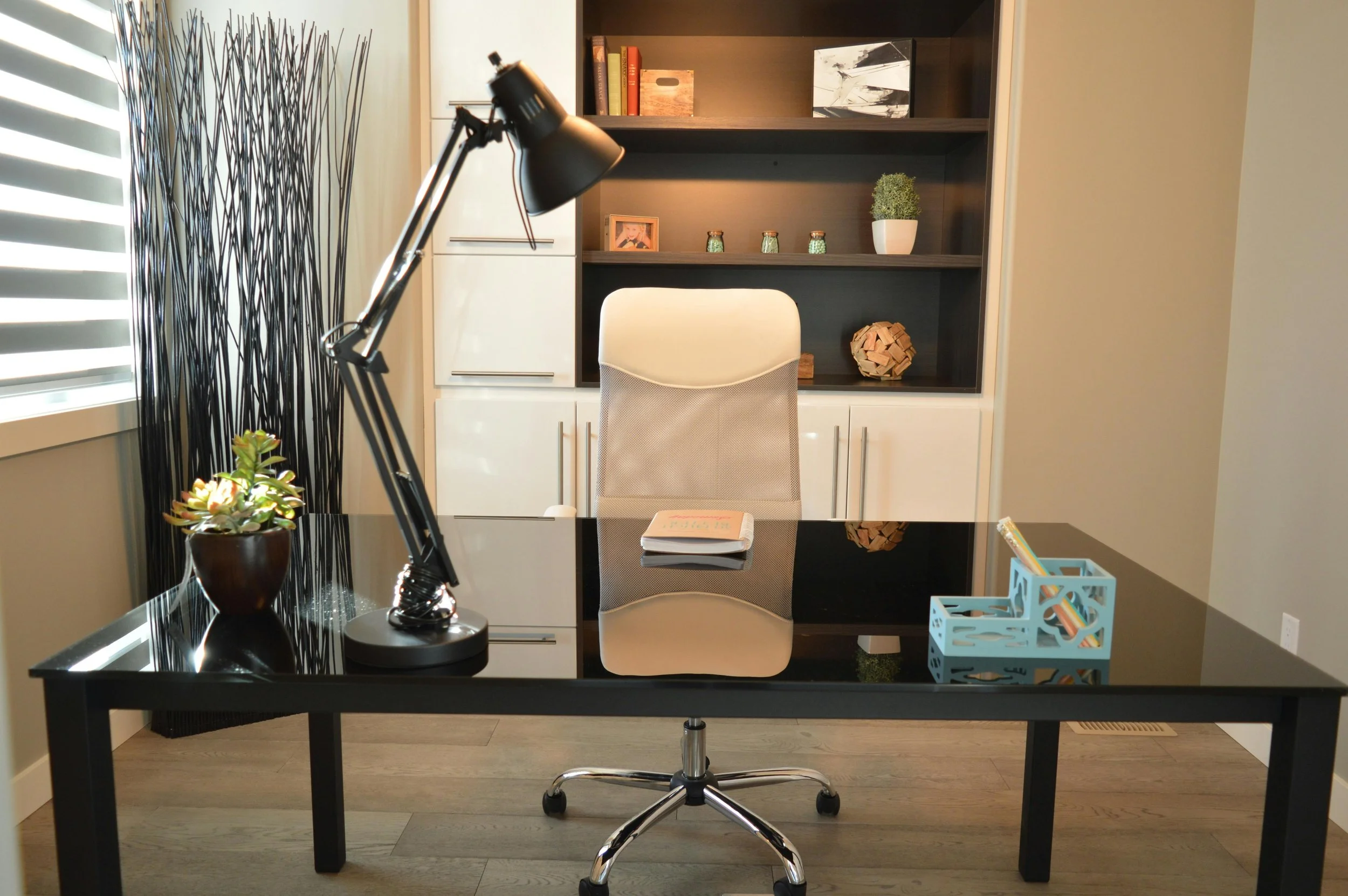
A cluttered home office does more than look messy. It quietly chips away at your focus, productivity, and even your mood. Whether you are working remotely full-time or managing side projects, the way your workspace is organized can make or break your efficiency. This guide will show you how to eliminate cable chaos, streamline your setup, and design a workspace that keeps your mind sharp and your workflow uninterrupted.
Start with a Clear Vision
What kind of space lets your mind settle best. Picture it without moving a single thing yet. Is quiet essential, or just fewer things on display. Maybe everything within reach matters most. Knowing that shapes how you arrange the room. Jumping into changes too soon often leads to clutter dressed up as order. Let purpose guide each decision instead.
A workspace works best when seen as a network of tools, each with its own role. When something lacks a clear job, it earns no spot on the desk. Belonging somewhere means serving a function every day. Without usefulness, removal makes space for what matters.
Declutter Ruthlessly
Stuff piled up kills focus fast. Pull every item off your work surface, then split them - things you need nearby go here, extras move to storage, the rest leave for good.
Truth comes first. Clutter like outdated notes, forgotten electronics, leftover pens - they clutter sightlines. This principle applies even if you are staging your home for productivity or lifestyle appeal, much like preparing properties such as houses for sale St Georges Basin, where clean and minimal spaces attract attention and create a sense of calm.
Master Cable Management
Cable chaos is one of the most common issues in home offices. Tangled wires not only look messy but also make cleaning and adjustments frustrating.
Here are practical solutions:
Use cable clips to secure wires along the edges of your desk
Label cords so you can identify them easily
Invest in a cable management box to hide power strips
Route cables under the desk using adhesive hooks or trays
Wireless devices can also reduce clutter significantly. Switching to a wireless keyboard, mouse, or printer helps minimize the number of visible cables.
Optimize Your Desk Layout

An efficient layout reduces unnecessary movement and keeps everything within reach. Position your monitor at eye level to prevent neck strain, and keep frequently used items within arm’s reach.
Follow the “zone method”:
Primary zone: Keyboard, mouse, and monitor
Secondary zone: Notebooks, phone, and daily tools
Tertiary zone: Storage items and less-used accessories
This structure keeps your workflow smooth and prevents constant repositioning.
Invest in Smart Storage Solutions
Storage is not just about hiding clutter. It is about accessibility and efficiency.
Consider these options:
Drawer organizers for small items
Vertical shelves to save desk space
Filing systems for documents
Storage bins for cables and tech accessories
Using vertical space is especially effective in smaller rooms. Wall-mounted shelves or pegboards can hold supplies without crowding your desk.
Control Visual Distractions
Your environment should support focus, not compete for attention. Avoid overly bright colors, excessive decorations, or busy patterns.
Instead:
Use neutral tones for a calming effect
Add one or two personal items that inspire you
Keep surfaces as clear as possible
A clean visual field helps your brain stay engaged with your work rather than wandering.
Lighting Matters More Than You Think
Poor lighting leads to eye strain and fatigue. Natural light is ideal, so position your desk near a window if possible.
If natural light is limited:
Use a desk lamp with adjustable brightness
Choose warm white light for comfort
Avoid harsh overhead lighting that creates glare
Proper lighting not only improves focus but also enhances your overall work experience.
Create a Daily Reset Routine
Even the most organized office can become messy without maintenance. Spend five minutes at the end of each day resetting your workspace.
This includes:
Returning items to their designated places
Clearing your desk surface
Organizing cables if needed
A daily reset ensures you start each morning with a clean and focused environment.
Final Thoughts
A workspace does not need to look flawless. What matters is how well it helps you think clearly, stay on track. Tangled wires disappear when cords get tucked away neatly. Less mess means fewer distractions pulling attention elsewhere. Pick just one corner first - habits grow stronger that way. Small steps lead to steady improvements over time. A clutter-free workspace does more than look neat. When things have their place, your mind stays sharp, tasks move faster, one step leads to the next without delay.